
APPLICABLE ROLE: Hotel Admin/FNB Admin
Navigation: Features>Food & Beverages>'Restaurant'>Categories
Categories is a section in the restaurant menu where hotel guests can choose to select either Food or Beverages (users can also edit the name of the category). When a new restaurant is added, the category section will automatically appear as 'Active'. Likewise, users can also edit to be 'Inactive' so that it won't be shown on the guest-facing interface.
Admin Portal Browser

Guest-facing Browser
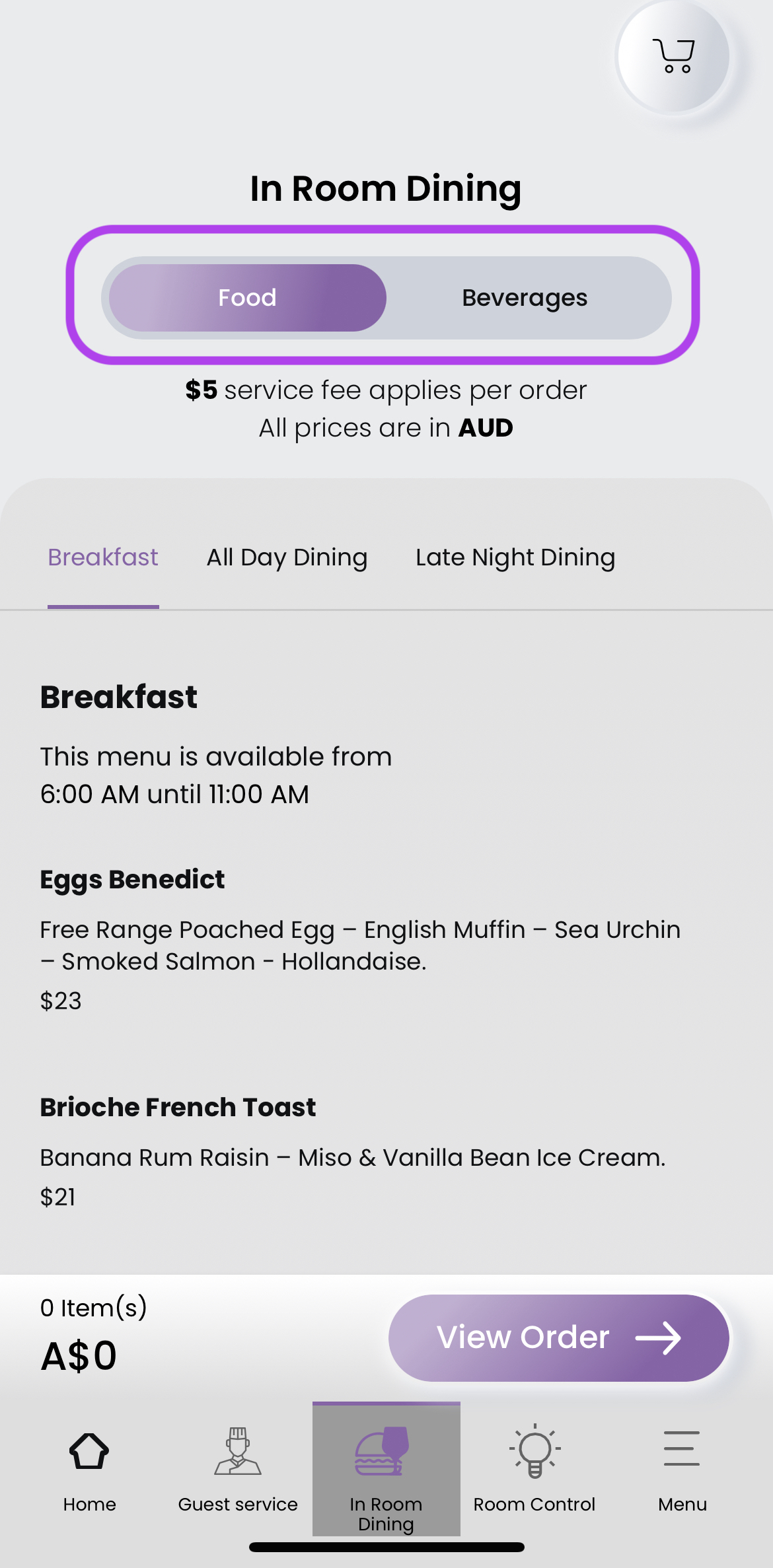
Users can swipe the category bar on top to selectively see the categories in each restaurant.
How to edit a Category?
Step 1: Navigate to Features>Food & Beverages> 'Restaurant' and click Categories
Step 2: Select the category and click the Edit (pencil icon)

Step 3: When landed on the Edit Category browser, edit the details in fields.

Step 4: Once finished editing, click Update.
**Click Reset if you want to re-edit the category, then click Update.

Comments
0 comments
Please sign in to leave a comment.